
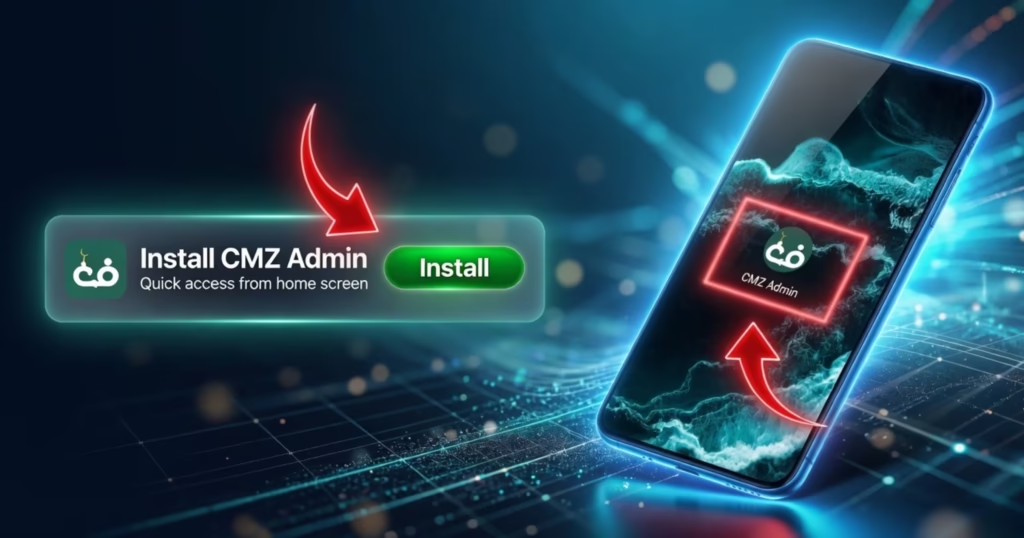
Access your admin dashboard instantly by installing the CMZ Admin app on your device. Follow the steps below based on your device type.
- Open your browser and go to: portal.cmzapp.com
- Tap the “Install” button shown at the bottom of your screen
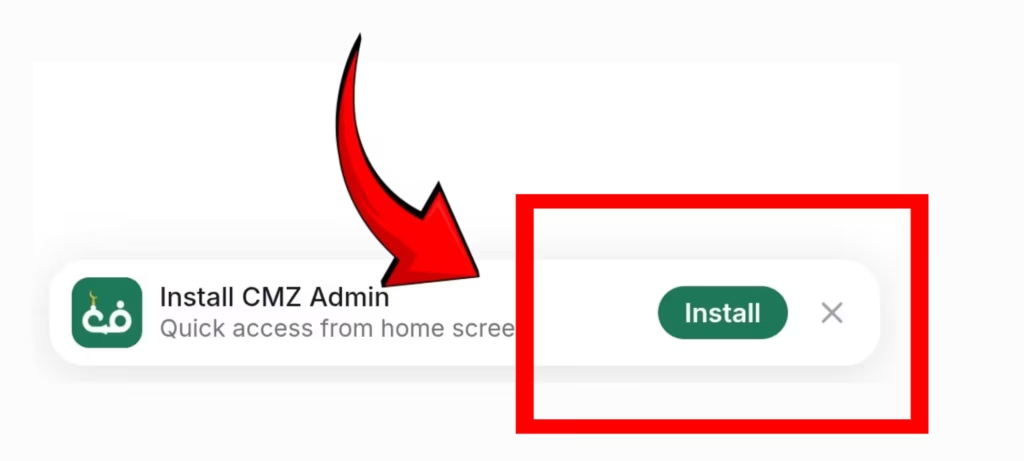
- A pop-up will appear — tap “Install” again
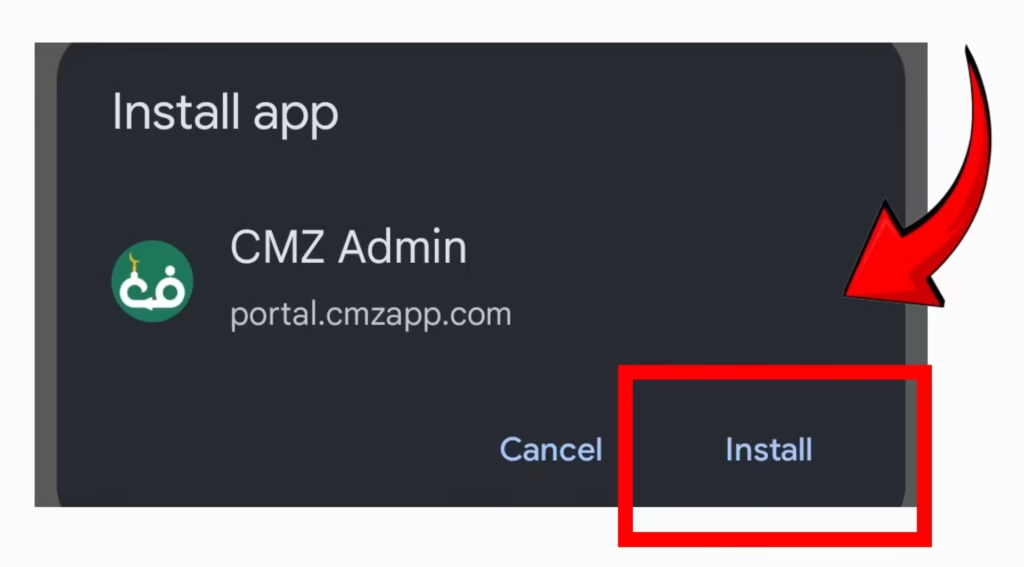
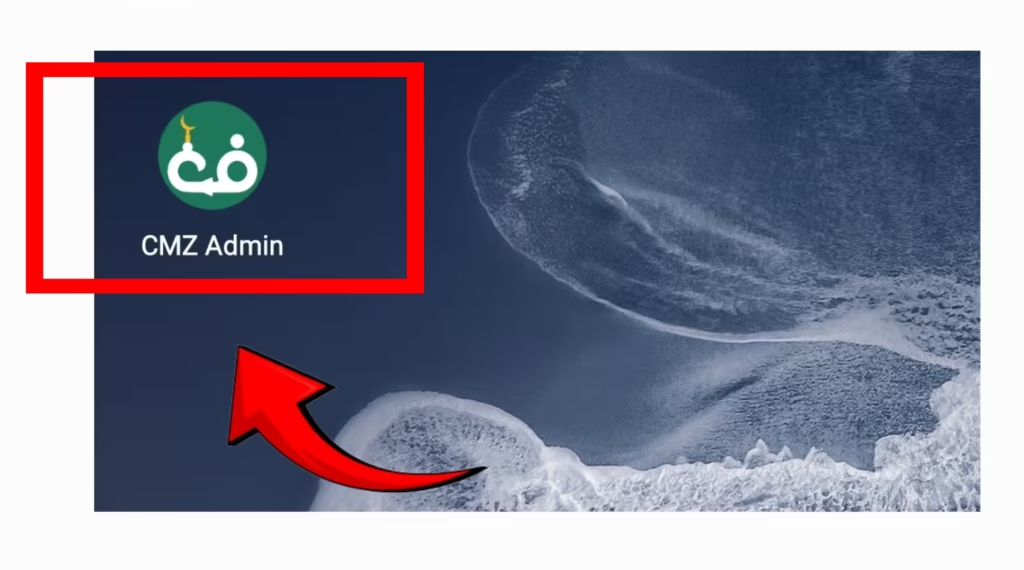
- Done. Check your home screen for “CMZ Admin”
- Open Safari and go to: portal.cmzapp.com
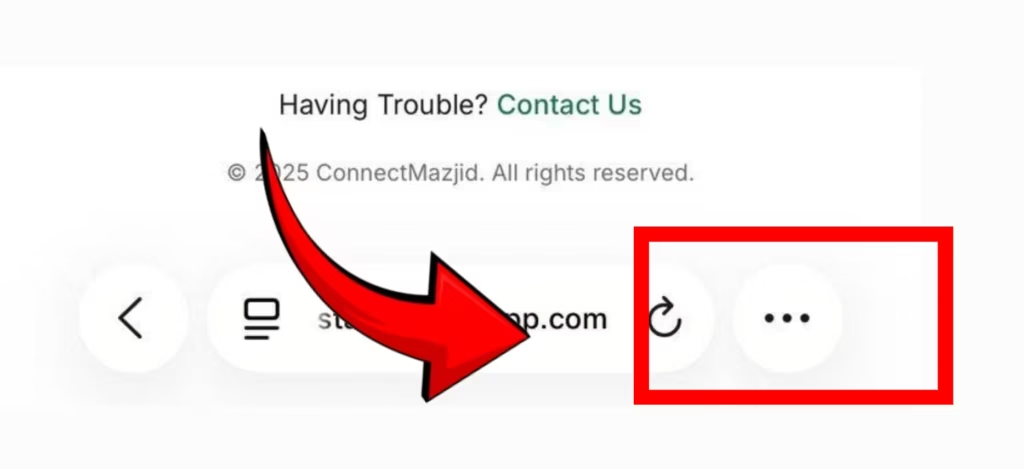
- Tap the (3 dots) on the bottom right of the screen
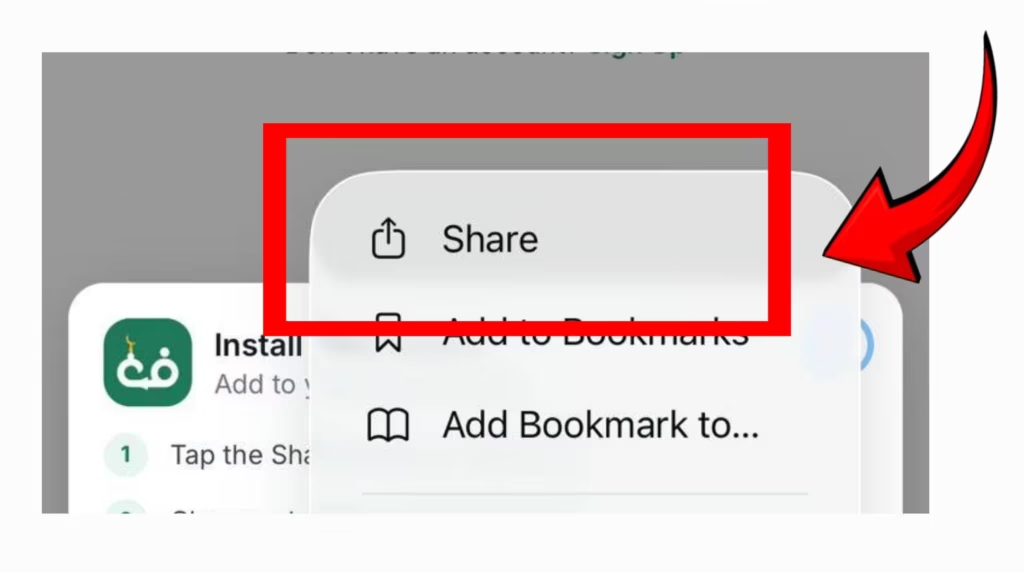
- Tap the Share icon at the bottom of the screen
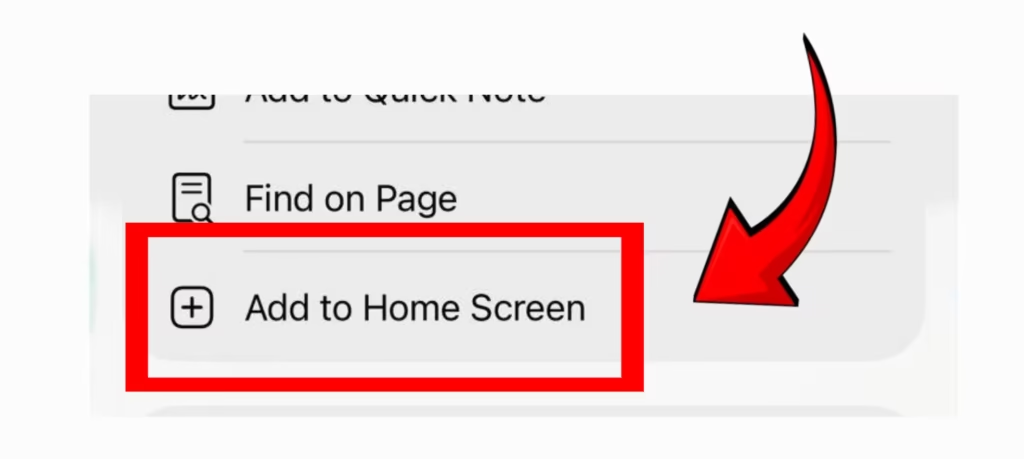
- Select “Add to Home Screen”
- Tap “Add” to confirm
- Done. Check your home screen for “CMZ Admin.”
- Open your browser and go to: portal.cmzapp.com
- Click the “Install” button shown in the browser
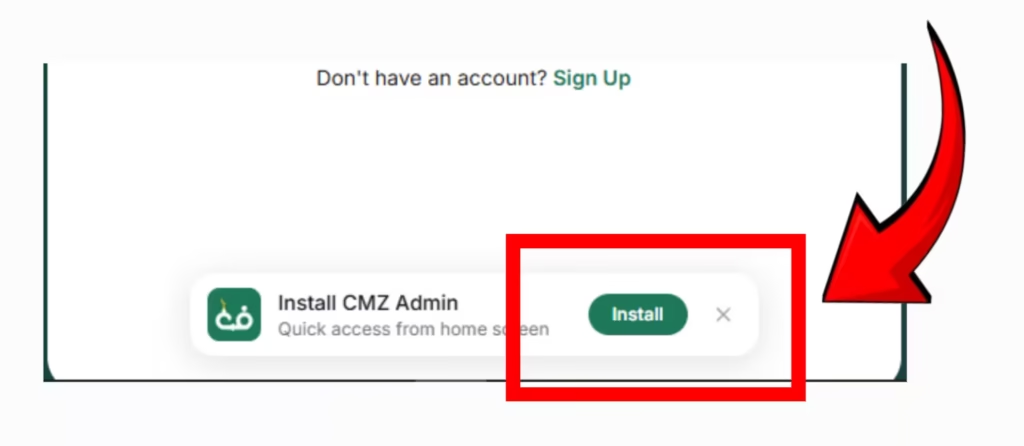
- A pop-up will appear — click “Install”
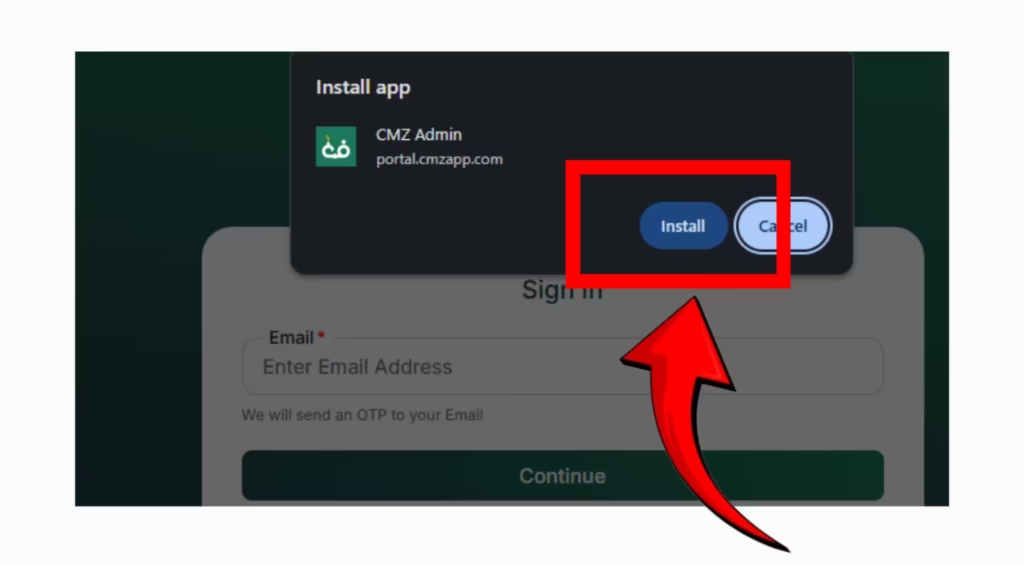
- Done. You’ll find “CMZ Admin” on your desktop