Masjid Display
What to Show and What to Check Before You Choose One
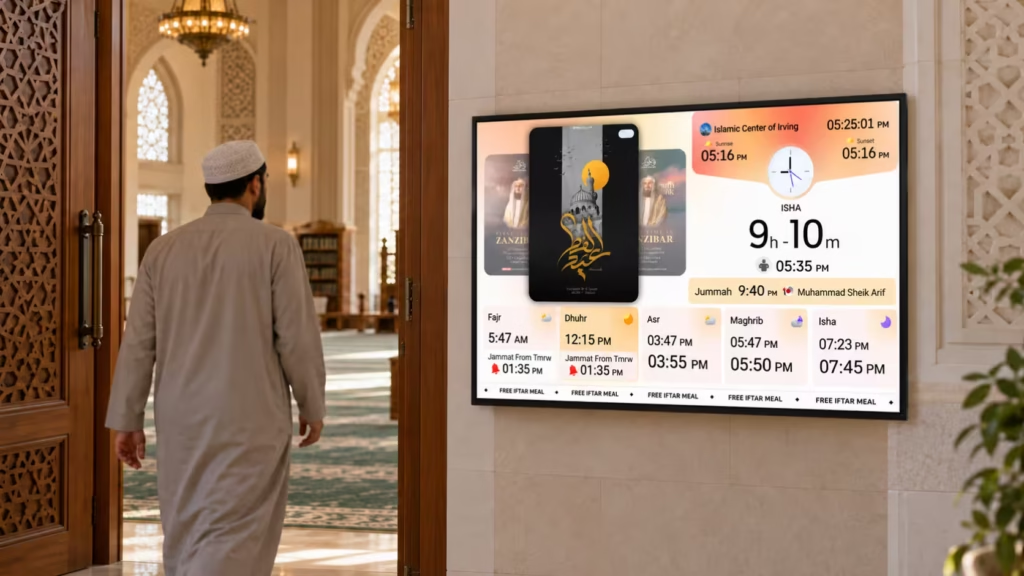
A Masjid Display should make prayer information easy to see, easy to manage, and easy to keep consistent. People look at the screen for quick answers about Salah, Iqamah, and important masjid updates.
A good Masjid Display should do more than act like a digital noticeboard. It should fit around the way a masjid operates before, during, and after Salah.
What Should a Masjid Display Show?
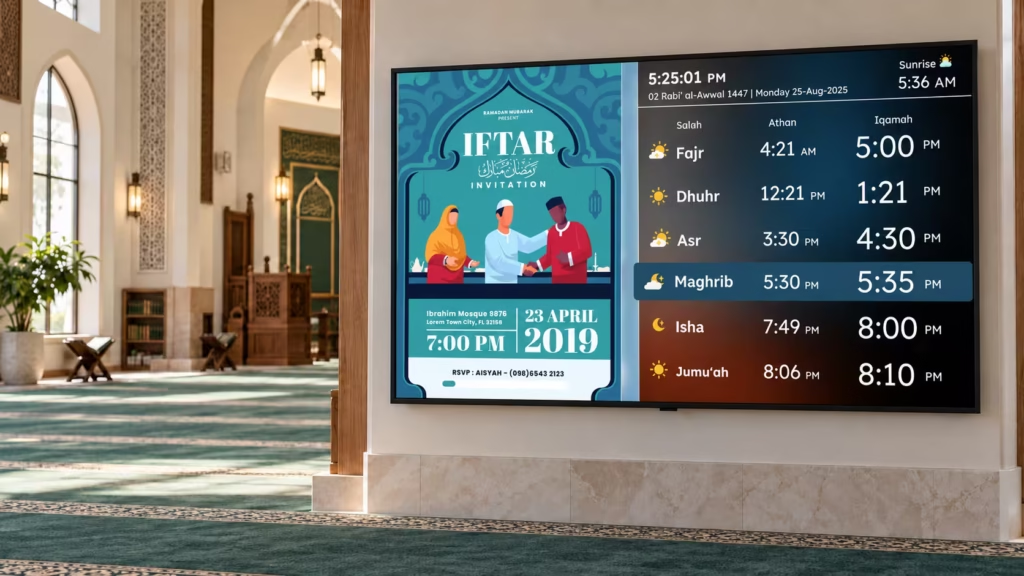
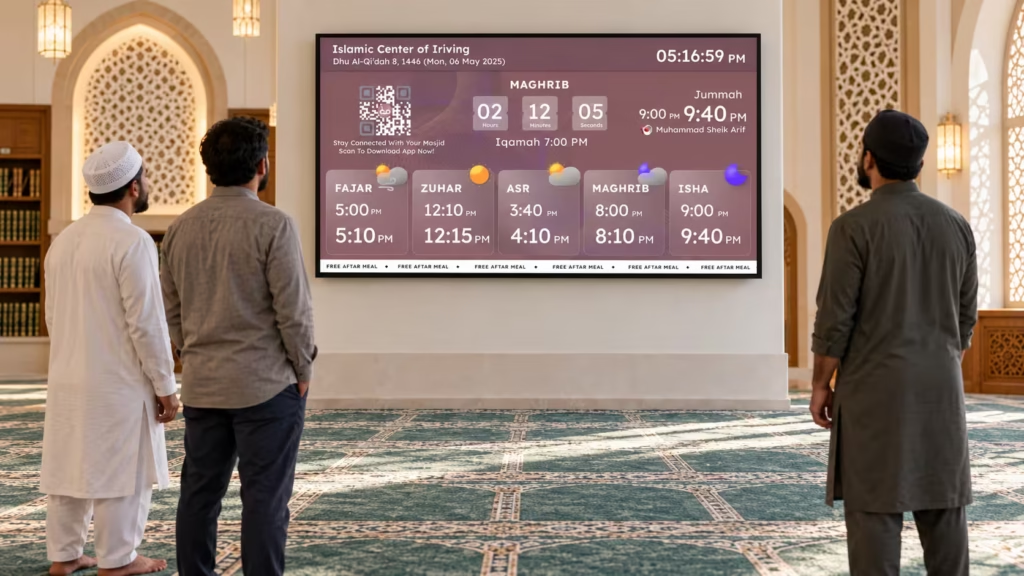
At minimum, the screen should clearly show Athan and Iqamah times, Jumu’ah timings, a countdown to the next Salah, Khateeb information where needed, and important Ramadan or Eid updates.
Between prayers, it can also show Janazah notices, classes, events, fundraisers, donation information, flyers, and announcements.
The key is balance. Prayer information should remain easy to find while community content supports the screen without making it crowded.
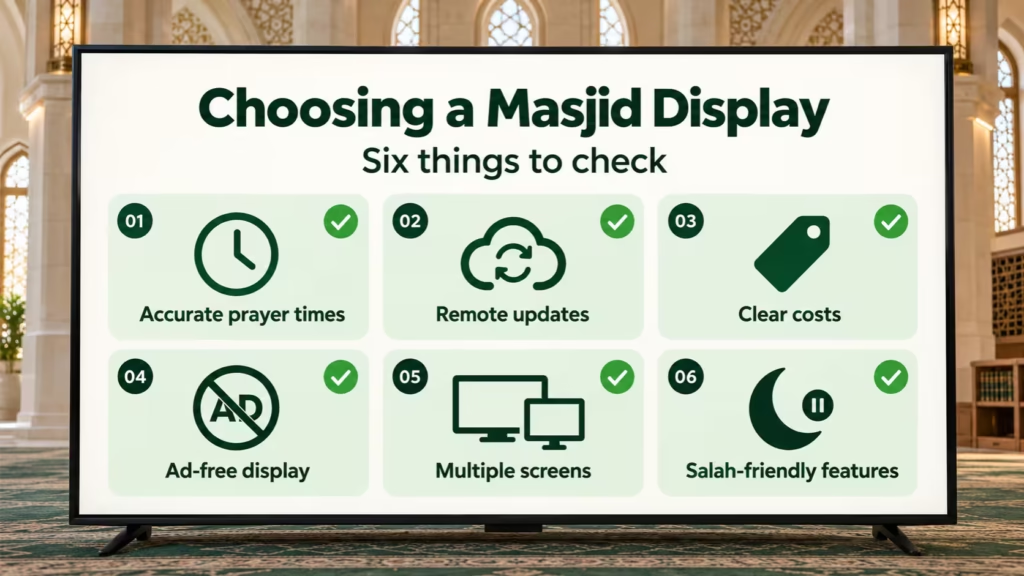
7 Things to Check Before Choosing a Masjid Display
1. Prohibited Salah Timing Support
A standard timetable tells people when Salah begins. A more useful Masjid Display can also communicate prohibited Salah periods.
CMZ can display these periods around Sunrise, Zawal, and Sunset. Administrators can configure timing offsets and show the restricted period prominently on screen, including countdown-style displays.
Look for a system that lets your masjid control how these periods are configured and displayed.
2. Automatic Blackout During Salah
Flyers and rotating announcements can become distracting once prayer begins.
With CMZ Auto Blackout, normal slide rotation can stop during the configured Salah period and the screen can switch to a controlled display. No one needs to manually switch off the TV.
3. Control Over What Stays on Screen
Not every masjid wants a black screen during Salah.
CMZ can also pause rotating slides and keep the Salah Timings screen visible until the configured prayer duration ends. This prevents flyers and announcements from appearing while people are praying.
A good Masjid Display should give the masjid both options.
4. Automatic Iqamah Change Reminders
Iqamah times can change throughout the year. Updating the time is only part of the job; regular attendees also need to know a change is coming.
CMZ can show an Iqamah Time Change reminder for the relevant Salah. For example, if Fajr Iqamah changes the next day, the new information can be shown directly on the display instead of relying only on verbal or printed notices.
5. Proper Jumu’ah Management
Some masajid run two, three, or four Jumu’ah prayers, sometimes with different Khateebs.
Your Masjid Display should handle Friday separately from the normal daily timetable. CMZ supports multiple Jumu’ah timings and can display Khateeb information for the relevant schedule.
6. Salah-Based Islamic Content
Quran, Duas, Hadith, and Adhkar are more useful when they appear at meaningful times rather than randomly in a slideshow.
CMZ can connect selected Islamic content to the Salah schedule. For example, Adhkar can begin after the configured Salah duration ends.
This makes the Masjid Display feel connected to the prayer routine rather than ordinary digital signage.
7. One Place to Manage Prayer Information
Many masajid share prayer information on TV screens, mobile experiences, web apps, and website widgets.
Updating each platform separately can lead to inconsistent information.
CMZ uses the CMZ Admin Portal as the central place for managing connected prayer information, TVs, display settings, themes, and content. Supported updates can then appear across connected CMZ surfaces without entering the same change repeatedly.
Hardware, Cost, and Setup
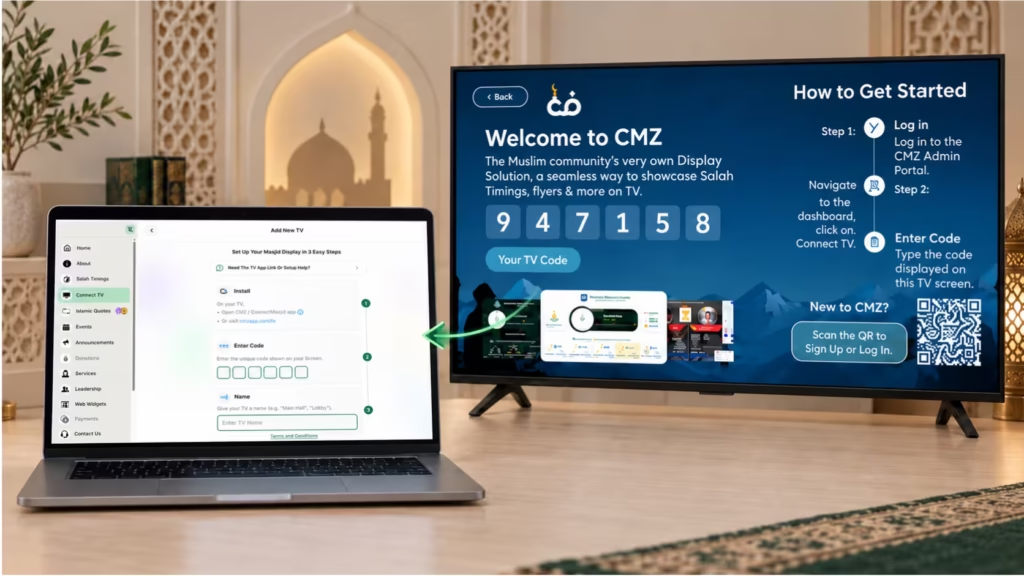
CMZ supports Amazon Fire TV, Google TV, and Android TV. Compatible Smart TVs can also access CMZ through the TV browser. Pairing is completed with a six-digit code shown on the television and entered in the Admin Portal.
When comparing a Masjid Display, check both software and hardware costs. Your masjid may already own compatible hardware. Also confirm the current plan and whether multiple screens are included.
What Happens If the Internet Goes Down?
CMZ supports offline functionality, so information already available on the display can continue to appear during a temporary connection problem.
An internet connection is still required when the screen needs to receive new information or settings from the Admin Portal. Think of offline support as continuity for already-loaded information, not as a replacement for internet access.
Ask for Proof Before You Choose
Do not choose a Masjid Display from a feature list alone.
Ask to see actual prayer screens, the Admin Portal, Iqamah change reminders, Jumu’ah schedules, prohibited timing screens, and what happens during Salah. A live demo or screenshots will tell you more than a marketing copy.
CMZ is designed around the Salah routine, with features such as prohibited Salah timing displays, Auto Blackout, Salah-duration controls, Iqamah change reminders, Jumu’ah management, and Salah-based Islamic content.
Yes. CMZ can switch to a controlled blackout screen or pause rotating content and keep Salah Timings visible for the configured duration.
Yes. CMZ supports multiple Jumu’ah timings and can display Khateeb information when needed.
Yes. Multiple TVs can be connected to the same Admin Portal, and individual screens can use different display settings when required.
No. CMZ Masjid Displays remain focused on your masjid’s Salah information, announcements, and community content.
Conclusion
Choosing a Masjid Display is not only about putting prayer times on a television.
Prohibited timing displays, Iqamah change reminders, Salah-duration controls, Jumu’ah management, Islamic content scheduling, and central administration are far more useful than a basic rotating slideshow.
CMZ brings these Salah-focused controls together with multiple-screen management through one Admin Portal.
Ready to set up your first Masjid Display?
Create a free ConnectMazjid account, add your prayer timings, and connect your first screen.