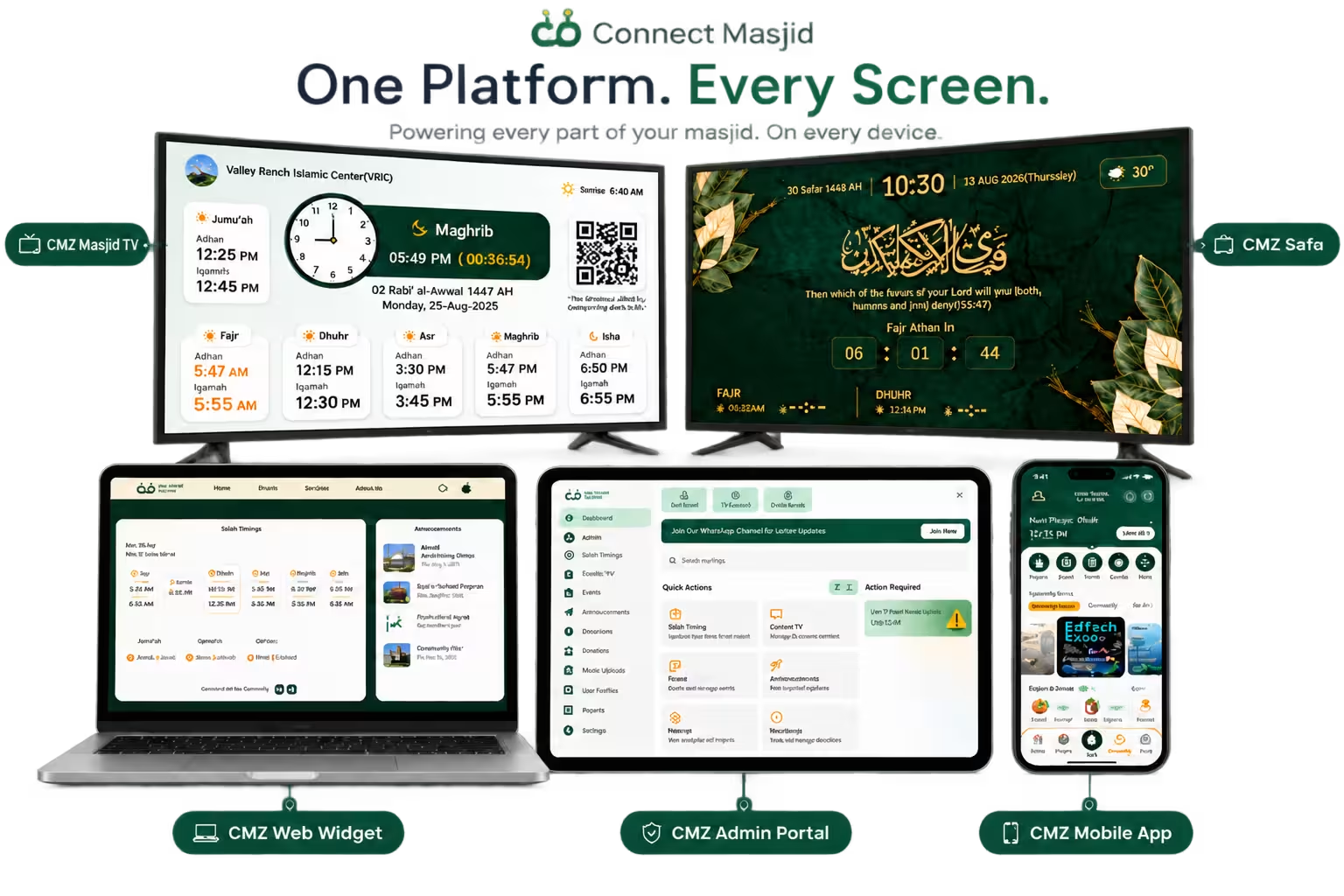
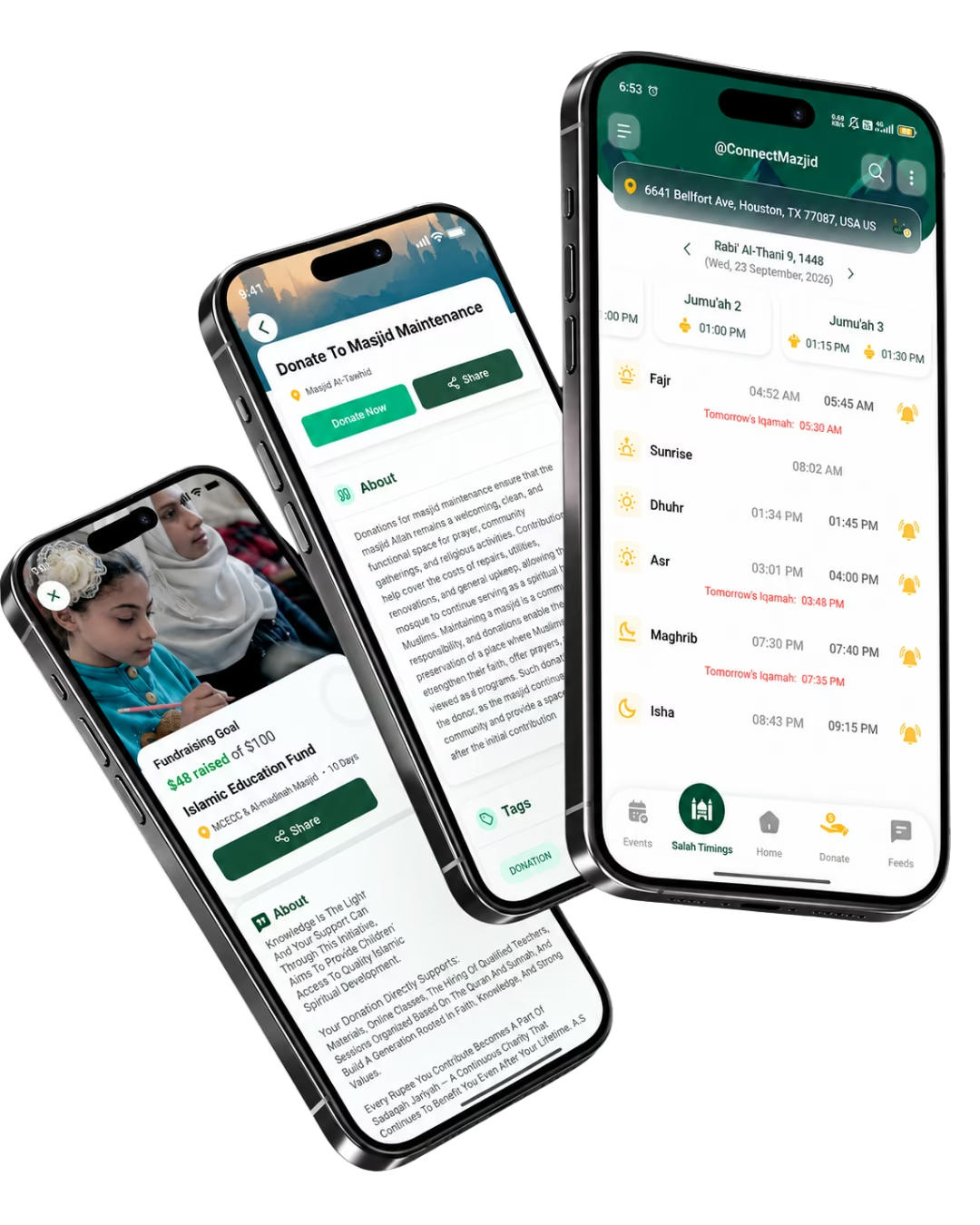
Get direct access to every ConnectMazjid application. Download our TV displays for masjids or home use, manage your community via the Admin Portal, or download our mobile app.
Whether you are outfitting a masjid lobby, prayer hall, Islamic school, or your family living room, download the dedicated TV display application built for your screen.
For Masjids & Centers
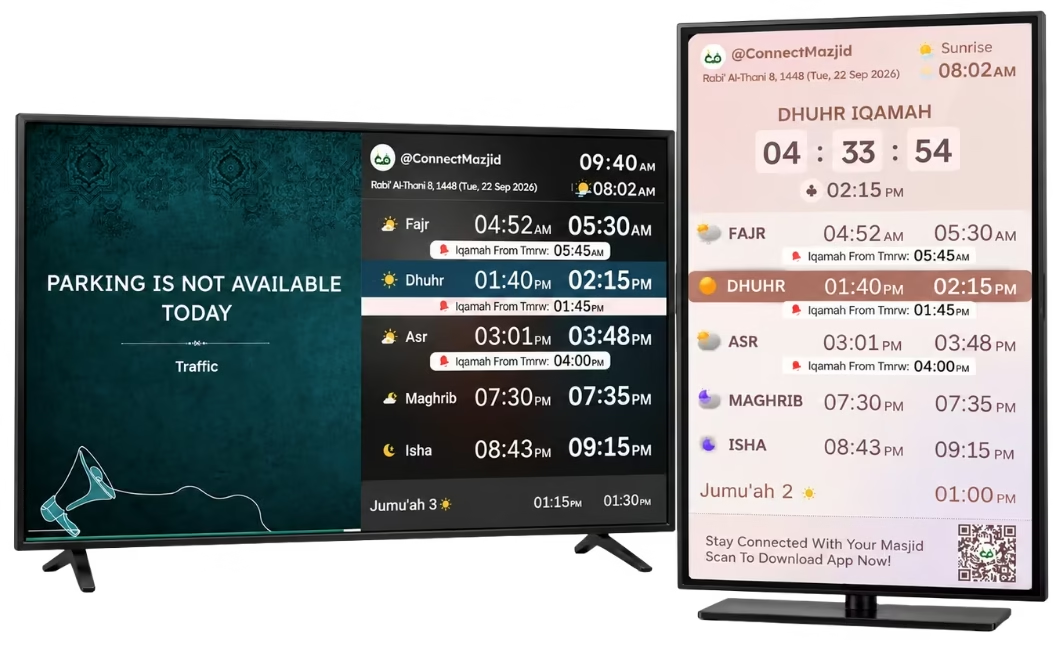
Masjid TV Display
The specialized display system designed for masjids. Features live prayer countdowns, Iqamah buzzer alert, screen blackout during Salah, khateeb announcements, and automated multi-language display.
Salah CountdownPrayer BlackoutJumu'ah Khatib Display9 Languages
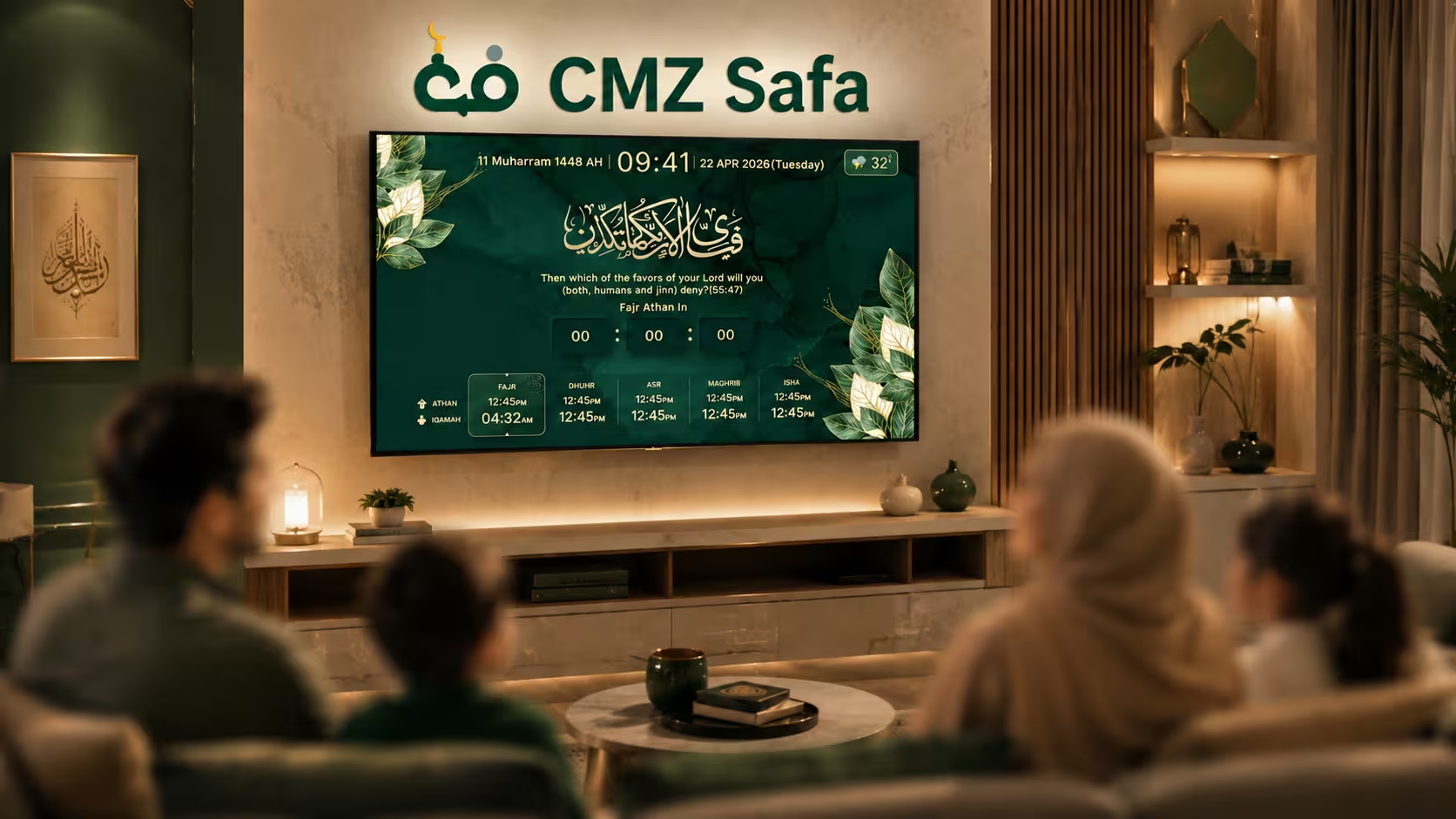
Turn any TV at home into a tranquil Islamic ambient display. Follow your local masjid for synced timings or use your GPS location, complete with Quranic verses and daily reminders.
Home Ambient ViewAthan Audio NotifierFollow Any MasjidGPS Location Mode
Install the app from Amazon Fire TV, Google TV, LG Content Store, or visit cmzapp.com/tv on your browser.
2
Get Screen Code
Launch the app on your screen. A 6-character connection pairing code will be displayed automatically.
3
Pair in Admin Portal
Go to your ConnectMazjid Admin Portal under Connect TV, type the code, name your display, and you're live.
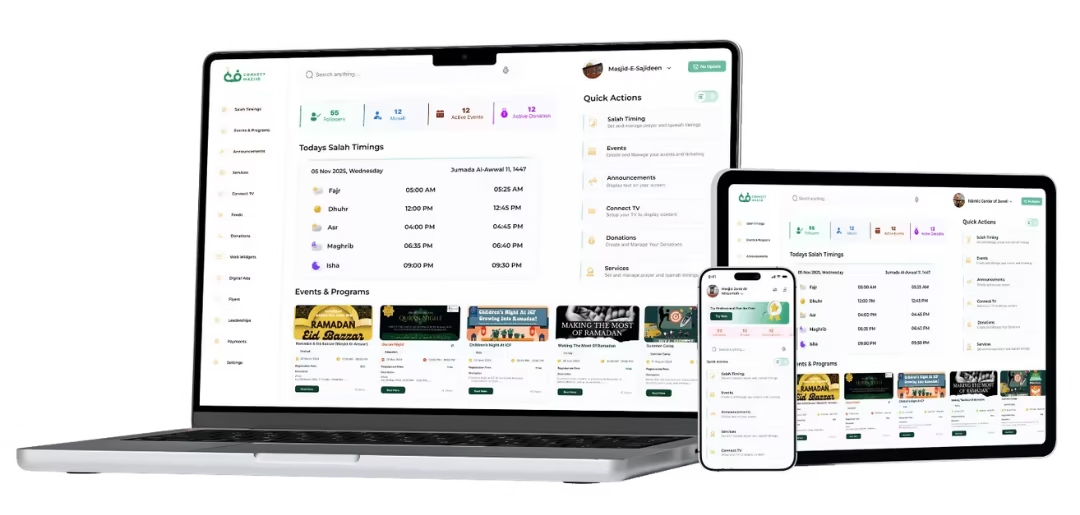
Admin Command Center
The Admin Portal
One centralized login to manage your entire institution. Update Salah timings, schedule events, accept donations through Stripe, and sync immediately across screens and the community app.
Keep your congregation connected every day. Worshippers can view accurate Salah and Iqamah times, receive timely Azan audio alerts, follow multiple masjids, and purchase tickets for upcoming events.
Precise Azan & Iqamah Notifications — On-time reminders for all daily prayers.
Follow Multiple Masjids — Switch easily between neighborhood and work.
One-Tap Stripe Donations — Support fundraisers and Friday collections.
Skip the sales pitch. Find your masjid's exact TV setup.
We built this AI advisor to think on your behalf — not ours. Pick what you want to show on your TVs or describe it in your own words, and we’ll map the lowest-cost configuration without wasted spending.
verified100% Free Core Display Included
savingsAutomatic Money-Saver Bundles
boltTakes < 1 Minute
Question 1 of 5 · Prayer Timers & Visual Display
What prayer time displays and visual countdowns do you want on your screens?
Standard prayer timetables across all screens are always 100% Free in Core.
timer
Full-Display Iqamah Countdown Timers
High-visibility live countdown clock before Iqamah begins across all prayer halls.
check
badge
Highlight Jumu'ah Khatib & Guest Speaker Names
Prominently display the upcoming Khatib, guest scholar, or Imam name on the Friday screen layout.
check
edit_calendar
Full-Screen Prayer Timing Change Alerts
Full-screen popup notices when daily or seasonal prayer timetables shift to new times.
check
fit_screen
Iqamah-Only Focused Display Mode
A clean, distraction-free screen mode showing solely the next upcoming Iqamah timing.
check
Question 2 of 5 · Audio & Salah Etiquette
Do you want automated audio cues or specific screen behavior during prayer?
All features work seamlessly across all connected TV displays.
volume_up
Automated Audio Chimes & Adhan Cues on TV
Plays automated sound beeps, chime cues, or Adhan notifications when prayer time arrives.
check
block
Prohibited (Makrooh) Salah Timing Alerts
Automatic on-screen warnings during sunrise, zawal, and sunset when nafl prayer is prohibited.
check
dark_mode
Auto Screen Blackout During Congregational Salah
Automatically blacks out the TV screens during prayer to eliminate all visual distractions.
check
Question 3 of 5 · Media & Video Streaming
What visual media, broadcasts, or announcements do you want to show?
Standard text announcements are always included free in Core.
live_tv
Live Khutbah & Video Streaming on TV
Stream Friday lectures or video feeds directly to overflow halls, sister areas, and lobby screens.
check
collections
Digital Noticeboard & Local Business Sponsor Ads
Digital notice board rotating upcoming programs, guest lectures, and local sponsor advertisements.
check
campaign
Full-Screen Urgent Alerts & Announcements
High-priority full-screen takeover slides for urgent notices, Janazah announcements, or events.
check
palette
Custom Theme Layouts & Color Presets
Tailored TV color themes, custom masjid branding palettes, and specialized layout templates.
check
Question 4 of 5 · Donations & Post-Prayer Content
How do you want to engage donors and display community content on the TVs?
Standard online web donations are included free in Core.
show_chart
Live Real-Time Donation Ticker (Thermometer)
Display real-time goal thermometers, progress bars, and recent donor tallies during Friday prayers or Ramadan drives.
check
qr_code_scanner
Display Custom On-Screen QR Codes
On-screen smart QR codes that worshippers can scan directly from their phone cameras to donate instantly.
check
photo_library
Event & Fundraiser Promotional Flyers
Showcase high-resolution graphic posters for upcoming fundraising dinners and community youth events.
check
menu_book
Post-Salah Supplication (Du'a / Adhkar) Display
Display authentic post-prayer supplications (Adhkars) and Du'as after congregation prayer finishes.
check
link
Universal Multi-Campaign Donation Links
Support for custom external giving URLs, Zakat funds, building drives, and pledge forms.
check
Question 5 of 5 · Governance & Committee Setup
How will your committee manage team access and payment processing?
Single admin access is 100% Free in Core forever.
groups
Multiple Committee Admins with Role Permissions
Separate logins for Imam, Treasurer, Board, and Media Volunteers with granular access controls.
Upgrade to Community All-in-One for just $2.02/mo extra
Instead of paying $27.97/mo for 3 separate packages, get Community All-in-One at $29.99/mo to unlock every feature on ConnectMazjid — including the 4th Spotlight package (video streaming & digital ads), White-Label branding removal, and priority support!
This is completely on us for the great work your committee does for the community. Full multi-admin management is unlocked at zero cost with advance notice before any future changes.